
How 50hrs.com Documents Everything So Your Business Runs Faster (With Or Without You)

Yaro Starak
December 11, 2025
Summary
50hrs.com executive assistants record business processes to create a comprehensive knowledge base and standard operating procedures. They implement automations using tools (like Zapier) to improve workflow efficiency. The client retains ownership of all documentation, so the business remains organized during periods of growth or staffing changes.
What would your business look like if no one ever asked you, "How do I do this?" again?
Take a second to actually picture it. You would:
Spend 80% less time repeating yourself.
Have fewer surprises popping up every day.
Experience far fewer fires to put out.
That is the dream outcome for most founders.
I’m talking about a business that runs smoothly without you overseeing every detail daily.
Now imagine having a clear path to that outcome. A process for documenting everything you do, building a structure around it, and having two trained assistants who execute reliably every day.
This would mean:
Everything is captured, not floating in your head or scattered across forgotten messages.
The business does not depend on you for every decision needed to keep things moving along.
You can shorten the time delay between "I need to fix this" and "it is finally done."
As you read through this article, you’ll be struck by how much smoother your operations could run if someone else built, maintained, and optimized the systems behind your workflow.
When that realization hits you, take it as your sign to book a call with us. Let us make your business easier to run. Ready to find out how? Keep reading.
Creating SOPs That Remove Guesswork From Your Operations
We see Standard Operating Procedures as the starting point for everything.
Every business has recurring tasks, complex processes, and workflows that only live inside the founder’s head. When that information stays trapped there, you end up repeating instructions, making preventable mistakes, and slowing down onboarding for new team members.
Your 50hrs.com assistants begin by documenting the way you already do things. Nothing fancy. Just a clear, simple structure that makes your operations easier to run and easier to teach.
We typically use Google Docs because it is flexible and easy to update as your processes evolve. If you prefer Notion or another system, we can use that too.
Most SOPs are a mix of text and images, with an occasional short screen recording when something is easier to show than explain.
We avoid full-length video SOPs because they tend to age quickly.
Text and screenshot-based SOPs are far easier to edit when they need updating.
Once your assistants document the essential tasks, you suddenly have some structure.
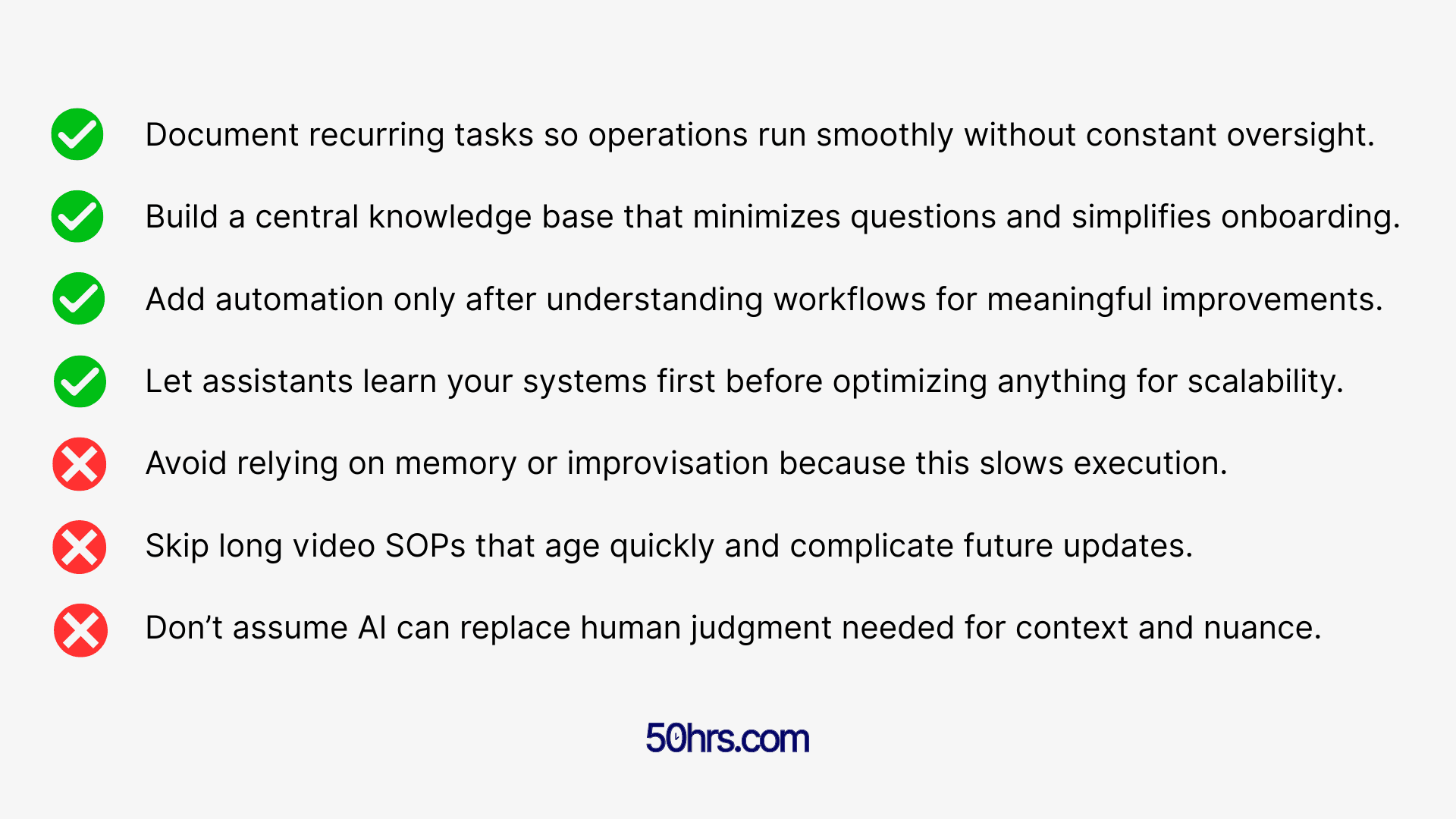
This means you no longer have a business that relies on memory, habits, or improvisation.
We believe this is the foundation of everything that follows.
Let’s Build A Knowledge Base That Grows With Your Business
SOPs are only one piece of the puzzle.
Your assistants also build out an internal knowledge base that becomes a living, breathing manual for your business. We often refer to it as your operational brain outside your head.
This knowledge base organizes:
Your SOPs
Your workflows
Key information about your company
Internal rules and preferences
Processes triggered by specific emails or events
Who should be involved in tasks and when
It becomes the first place your assistants check before asking for clarification.
Over time, it expands into a full operational resource covering everything from onboarding new clients to managing billing issues to processing a specific type of email.
And this is important.
Why? If you ever wish to add a third assistant to your team, or one assistant retires and we bring in a replacement, your knowledge base becomes the training manual.
Instead of you teaching them everything from scratch, they learn your business the same way we did.
Even if you stop working with us, you keep the entire knowledge base, so you can still reap the rewards of your assistants’ work for years to come.
You own the manual for running the parts of your business we supported.
For many clients, that alone is worth the investment.
Bringing Automations Into Your Workflow Without Creating Chaos
Once your assistants have learned your systems, documented your processes, and built your knowledge base, they begin to look for places where automation can improve the flow.
Rather than starting with automation from the get-go, we want to learn how you work first.
We can then start exploring improvements.
Sometimes, this means adding simple automated emails. For example, when a new client signs up, a welcome message is sent automatically through your email platform.
In certain cases, the automation becomes a series of steps involving multiple tools.
This might look like:
Triggering a profile creation across several pieces of software.
Generating tasks in your project management tool.
Updating your CRM with new customer data.
Filling out templates used in your internal workflows.
We find tools like Zapier or Make can handle this, but there are newer AI-enabled automation tools like n8n that allow for deeper logic and more complex workflows.
Your assistants can help you:
Set up tools you already use
Optimize your current automations
Move you into a better system if needed
Document every automation so nothing breaks
Handle the human steps that software cannot
The goal is to automate what makes sense, rather than to automate things for the sake of it.
Your Assistants Are Ready To Use AI To Your Advantage
A lot of clients ask us the same question:
"If AI tools can write emails or summarize messages, why do I still need assistants?"
Because AI can produce a draft. It can’t decide whether to send the draft.
AI won’t understand the real context of your relationship with a customer. It may struggle to interpret tone, nuance, urgency, emotions, or the tiny details that make all the difference in communication.
We’ve found that AI shines when it acts as a writing assistant or research tool.
These tools help produce templates, speed up repetitive writing, and generate ideas.
They can apply labels or move emails into folders and support the assistant’s workflow.
But it would have a tough time trying to replace the human judgment that makes sure of accuracy, professionalism, and appropriateness.
Your assistants can absolutely use AI tools when you want them to.
Many of our clients already use Superhuman and similar platforms.
50hrs.com assistants are already very familiar with these tools and can integrate them into their workflows.
We do not push AI tools on clients who do not want them, but we offer them as an option.
Ultimately, your assistants are prepared to use every tool and resource at their disposal to get results.
If you are interested in utilizing AI, your assistants can:
Research tools that fit your business
Help you implement AI step-by-step
Integrate AI into your workflows
Use AI to speed up copywriting and research
Monitor new AI tools as they appear
Your assistants can keep up with what’s new and what’s next in AI, so you do not have to.
Letting Your Assistants Learn First, Improve Second
When we begin working with you, we do not immediately start reorganizing your business or building automations.
We spend the first 1-3 months learning your systems exactly as they are.
Only once your foundation is stable do we begin to improve, optimize, and potentially automate.
Any changes must make sense for your business, not ours.
Some clients want a highly proactive assistant who suggests improvements regularly, while others prefer a steady, consistent operator who keeps things running smoothly.
We have assistants who fit both approaches.
Can You Afford Not To Systematize Your Business?
Every founder eventually hits a ceiling.
This isn’t due to a lack of ambition or skill.
It’s because their company relies too heavily on what only they know.
Your systems are the engine that runs your business.
Your knowledge base is your long-term stability.
Your documentation is the instruction manual.
Your assistants build all of this for you.
They’ll maintain it, improve elements, and expand things as your company grows.
If you have been tired of trying to keep up with AI, worried that you are falling behind on automation, or frustrated that your systems live inside your head, let your two dedicated 50hrs.com assistants step in.
Book a call to apply for your own 50hrs.com assistants. Your systems will thank you later.
Loved By




200+ Founders, Executives & Companies
Book Your Free Discovery Call
Schedule your free discovery call to see how our North American executive assistants can give your team back 50 productive hours every month.